English

Your own vlog

Private video diary

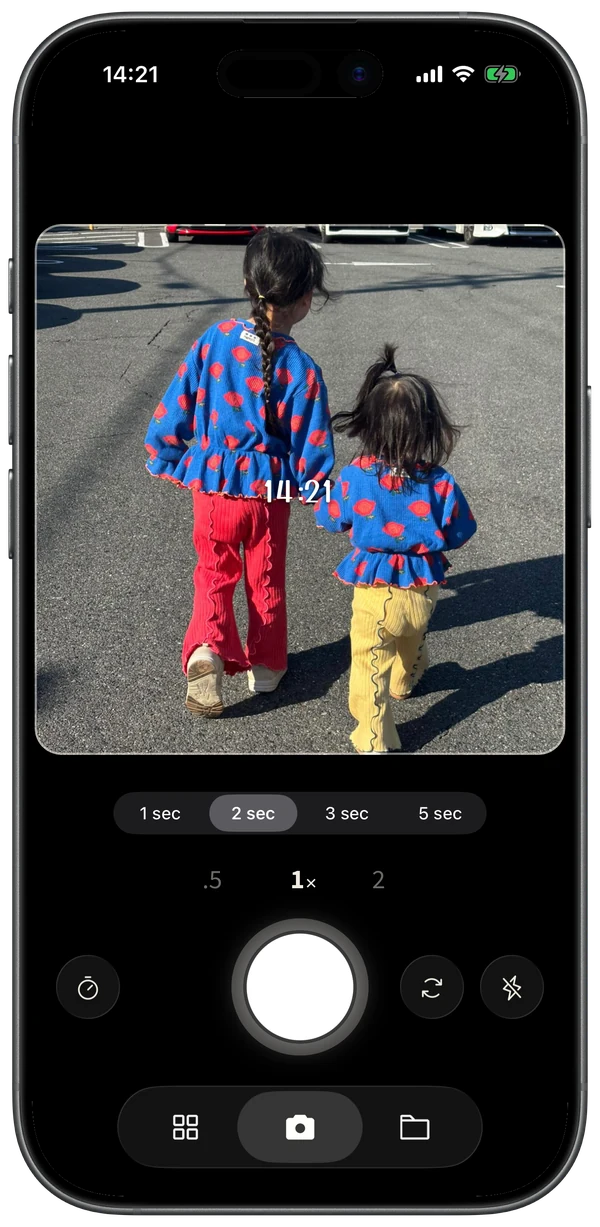
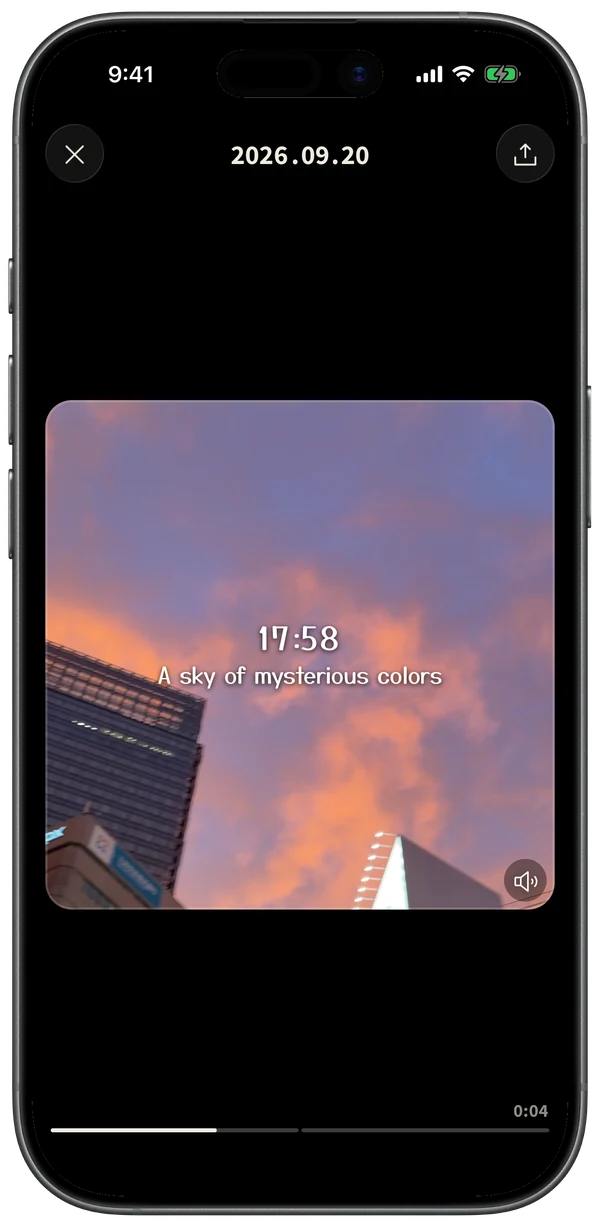
Capture screen Timeline screen with the day’s clips in time order Vlog playback screen
Download on the App Store

Free · No sign-in · No ads

No editing. No social media.Just a video diary for you.

All you do
is capture.

  1. 01

    Capture

    Record a short video with one tap. Zooming and switching between the front and back cameras are easy, too. Right after recording, you can add a caption if you like.

    Capture screen
  2. 02

    Line up

    Your short videos land on the timeline. With the calendar’s month and year views, you can go back to past days, too.

    Timeline screen
  3. 03

    Connect

    Play the day’s dots back to back.
    Your own vlog.

    Vlog playback screen

Fun to
look back on.

In the order you shot them

A day’s clips line up by time, so they’re easy to look back on.
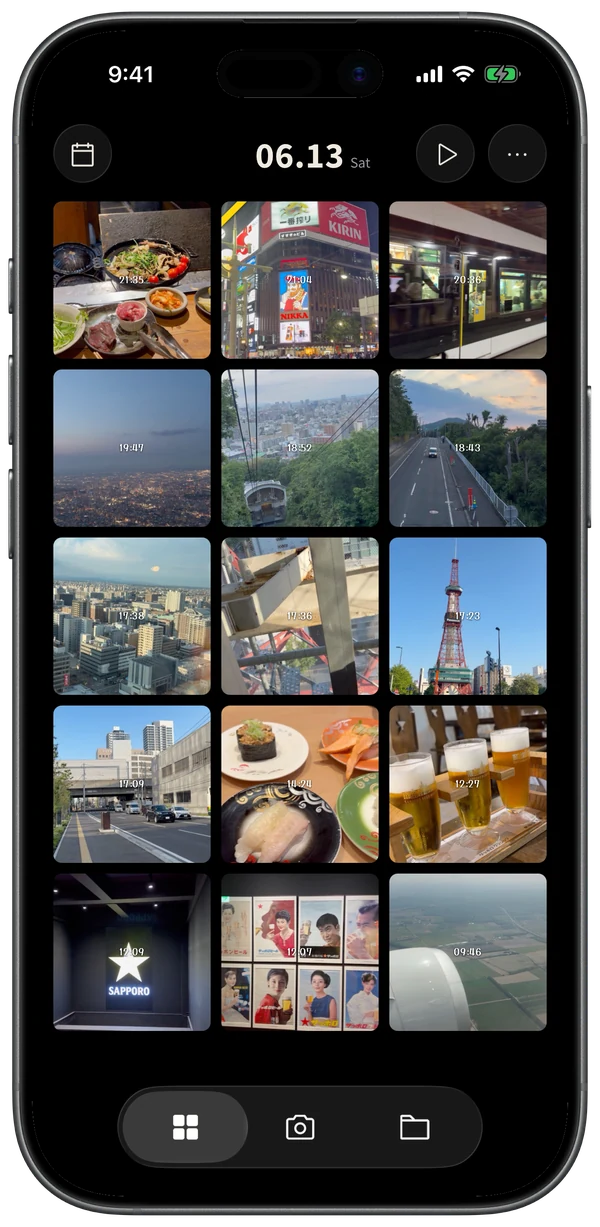
Timeline

Jump back to any day

Month and year views show the days you captured at a glance.
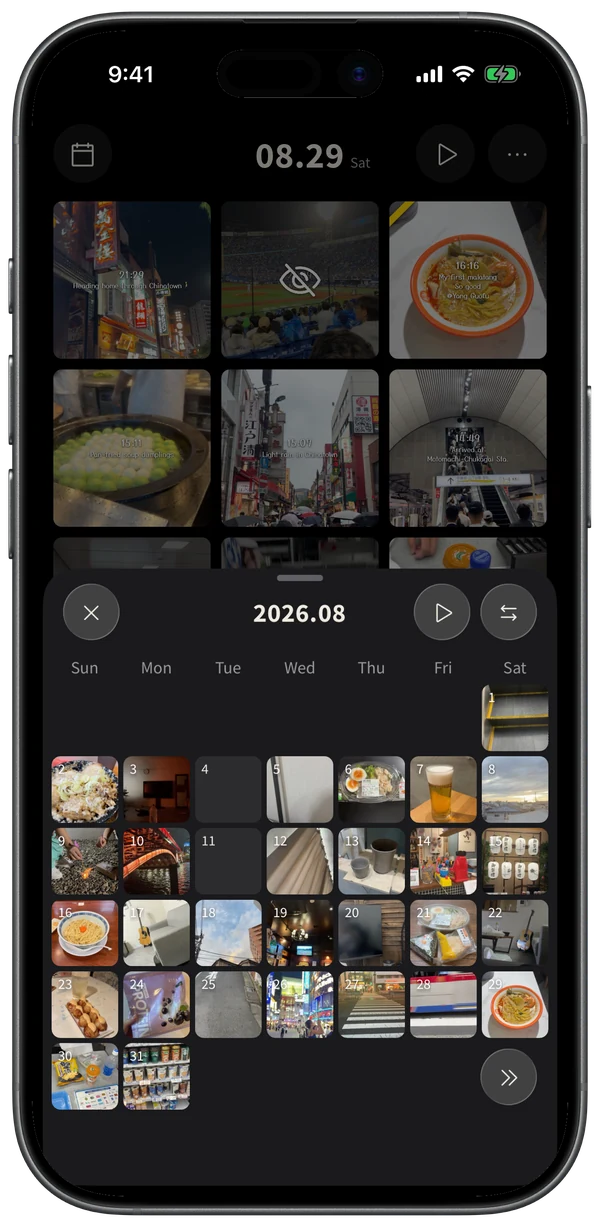
Calendar

Group by theme

Look back by trip, family, or any grouping you like.
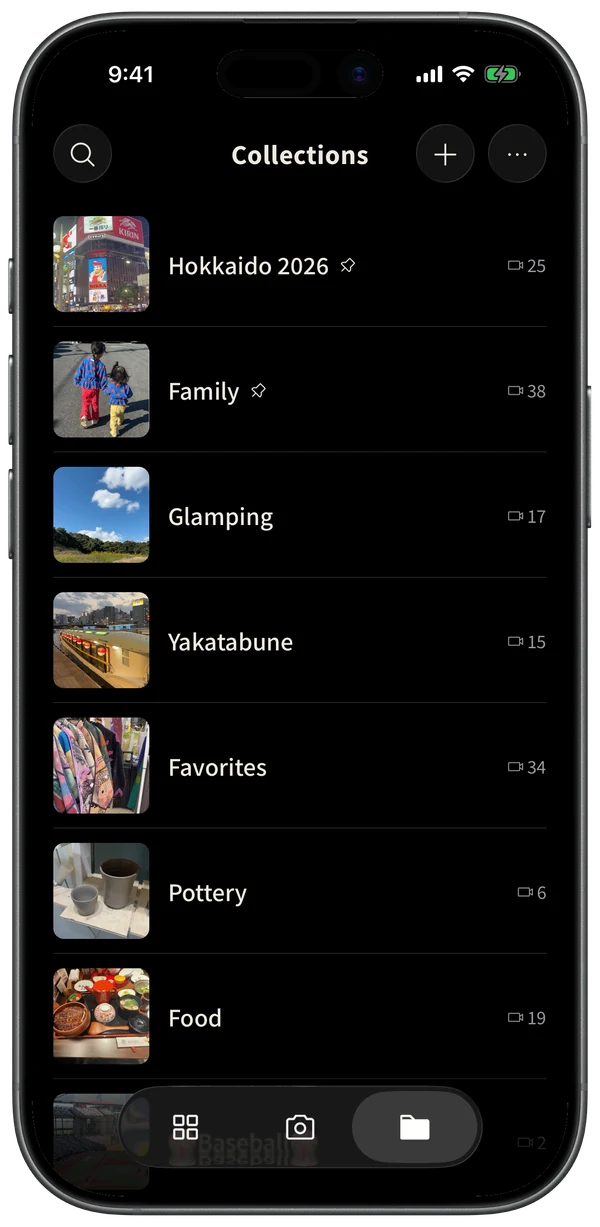
Collections

Mostly free.

  • Everything you need, every dayCapture, timeline, Play All, calendar, captions
    Free
  • No ads, no sign-in, no watermarkExported videos never carry a logo
    Free
  • Backups handled by your iPhoneIncluded automatically in your iCloud device backup
    Free
  • Capture 9 or more clips a dayFree: up to 8 a day
    Premium
  • Add past videos and photos laterPlaced at the date and time they were taken
    Premium
  • Change a clip’s date and time later
    Premium
Monthly One-time

Prices vary by country or region. The price for yours is shown on the App Store.

FAQ

Where are my videos stored? What about backups?
Everything is stored in the app on your device. If iCloud Backup is on for your iPhone, it’s included automatically, and when you switch phones, restoring from an iCloud backup brings everything back (on both free and Premium). It’s simply part of your iPhone’s standard backup — nothing is sent to any Vidot server.
Will exported videos have a logo?
No. On both free and Premium, exported videos never include a Vidot logo or watermark. The footage is exactly as you shot it. If you add a caption, date, or time, only what you chose appears.
Can I export a video without the date, time, or caption?
Yes. Open the video, tap “Display” at the top right of the frame, turn off the date, time, and caption, then tap “Export”. You’ll get a square video with no text on it. “Display” also controls what you see while viewing, so turn them back on in the same place whenever you like. “Save to Photos” in the ⋯ menu saves the original footage exactly as shot (no text, but not cropped to a square). Monthly vlogs always include the date.
Can I keep using it for free?
Yes. Capturing, the timeline, Play All, captions, the calendar — the core experience is free. Only capturing a 9th clip or more in a day, adding past videos and photos to Vidot, and changing the date and time of a clip you recorded require Premium.
Vidot icon

Start your own vlogtoday.

Download for free